Training, Support and FAQ's for
Welcome to TokBoost by Auto Engage A.I. Training! We're here to help you get the most out of our software. We are so excited to have you join our family. You will really enjoy these solutions which literally have taken years of development, testing and use. We would love to hear your feedback, there are a couple ways to do that, and you will find them below.
On this page you will find the training for Auto Engage A.I. - TokBoost
What you will find below is the overview video and detailed videos on training for Auto Engage A.I - TokBoost.
Note: The actual program may differ slightly from the video/documentation as new features get added as time goes on.
Click on the below image to download the TokBoost Documentation. Please read this and then go through the videos.
Training:
Video contents of training:
- Downloading the software and installing, Login and get started
- Getting started, Menus, Documentation and Accounts
- Auto Follow
- Auto Unfollow
- Auto Like
- Auto Comment
- Auto DM
- Upload / Posting Videos
Advanced:
- Filters and Settings - Review the documentation above.
- Entering your Keys for using ChatGPT
- Support: reporting errors
Downloading the software and installing, Login and get started:
Getting started, Menus, Documentation and Accounts.
Auto Follow:
Auto Unfollow:
Auto Like:
Auto Comment:
Here are a couple key points on AI Commenting.
1) One option is just to let the TokBoost generate its comments. You can put in a command, "Keep it short and to the point." Then start commenting.
If you select the "AI generated" comments option, then TokBoost will generate a unique comment for each post. You can use whatever command you want, I used "Keep it short and to the point" as an example since it gives good results for me. But you can obviously customize in terms of tone, niche, keywords, etc.
2) The other option is to just enter the comments and then it goes to the list. Or you can generate an AI comment and then it goes to the list.
If you select the "Comments list" option, then the program will go through the list of predefined comments which you have set up. When adding individual comments to this list, you have the option of using AI to help you generate the comments.
Note: For this, you will need an API key and will be prompted to enter it from ChatGPT. I will cover this in the below Video.
Auto Direct Message
Upload / Posting Videos
Entering your Keys for using ChatGPT:
Support:
How to get support? How to create a support email for reporting an error and email process. This is the Support email bot.custservice@gmail.com
Important and how to use this tool and not have issues.
Avoid overdoing the likes, follows, comments or direct messages. Set the number of likes to what you would manually do by yourself. Would you manually leave, say, 10000 likes in a day or an hour, or click follow even 200 people? Of course not! Hundreds or thousands of likes or follows per day will immediately raise the suspicion of anti-spam systems.
Errors happen to everyone:
Occasionally, it can happen that something is not working right. This can be due to a number of reasons, for example, it may happen that the bot stops working because you have too many tabs open and have run out of RAM on your computer. Close your other tabs and try again. Social media pages are changed from time to time and updates are required. Take a look at the FAQ section first or contact us, see above "How to get Support Training" of what is going wrong, and we will help you solve the problem.
FAQ - Frequently Asked Questions:
How does TokBoost by Auto Engage Us work?
Do I need any technical skills?
What are the System Requirements?
What If I do not have Windows?
There are tools available, such as Virtual PC, that you can use to install Windows software on a Mac. You could also install the software on a Windows VPS. That is a great option because it runs "on the cloud," and you can leave it running 24/7. When you purchase, we will have more details about this in the training area.
Another alternative is Windows 365 Cloud PC, an official Microsoft product that runs Windows 11. Since it's a legitimate Microsoft service, it's far less likely to be blocked. Pricing starts at $31 per month.
Does the browser need to stay open for this to continue running?
Are you recommending running this on a VPS?
Using a VPS can be a good option if you don't have a Windows computer or want the software to run 24/7 without relying on your own device. However, not all VPS providers are the same, and many use datacenter IPs, which social networks frequently flag as suspicious. This can lead to security challenges, CAPTCHAs, or even account restrictions.
If you choose to use a VPS, look for one that provides a dedicated private IP, preferably residential or mobile. Alternatively, you can use a high-quality dedicated private proxy to mask a datacenter IP. However, given the wide variety of VPS and proxy providers, there are no guarantees. In general, running the bot on your regular computer under "normal" conditions is the safest option, as social networks are less likely to flag activity that mimics typical user behavior.
Recommended VPS provider is https://my.hyonix.com/aff.php?aff=3672 If you have questions regarding this get with our technical support here bot.custservice@gmail.com
Software Terms of Services with Social Media Accounts:
⚠ Important Usage Guidelines – Avoid Getting Blocked
To ensure your social media account remains safe while using this bot, it's crucial to stay under the radar and avoid excessive automation. Social platforms actively monitor activity patterns, and too many actions in a short period of time can trigger restrictions or account blocks.
Best Practices for Safe Usage:
- ✅ Start Slow – If your account is new, avoid automation for the first few weeks at least and grow it manually before using the bot.
- ✅ Gradually Increase Activity – Begin with lower limits (e.g., 50 actions per day) and slowly work your way up to find a safe threshold.
- ✅ Stay Within Limits – Platforms impose daily and monthly limits on follows, likes, comments, and DMs. While some accounts can handle higher activity, exceeding safe limits can get you flagged.
- ✅ Use a Dedicated IP – Avoid using a VPN or shared proxy, as platforms track IP-based activity and may flag multiple accounts using the same connection.
What Can Get You Blocked?
- 🚫 Performing too many actions too quickly (e.g., following hundreds of users per day).
- 🚫 Unnatural behavior patterns, such as liking, commenting, and following too many accounts in a short period of time.
- 🚫 Using a VPN or shared proxy, which can make the platform suspicious of your activity.
Will My Account Get Suspended?
One thing to note is that it is EXTREMELY rare to get your account completely suspended. Most users who report issues were likely just temporarily blocked.
You will only ever face a permanent suspension if you:
- ❌ Get blocked multiple times in quick succession.
- ❌ Have a brand-new account and engage in aggressive automation before establishing normal activity.
If you're careful and follow the recommendations above, you can safely use automation without risking your account.
Do you have a Facebook Community?
What does the Price Include?
With this offer you will get the ability to put Auto Engage A.I. TokBoost on 3 computers. On each computer you can have multiple accounts on TikTok. If you want to move your license from computer to computer, you can deactivate and reactivate on another computer.
- The ability to use the software with multiple accounts, even simultaneously (provided proxies are used)
- The software has settings to help you protect your account from being blocked.... the random time delay settings as well as setting maximum daily amounts. And a setting to take random breaks every X actions.
- Statistics are tracked of your actions and follower growth.
- Free updates for the next 5 years.
Auto Engage A.I. Facebook Group
Our Facebook Group is your place to interface with others, let us know what you would like to see in the solution and share your ideas and success with the solution.
Other Solutions to help you with your Social Media creation and education. See below.
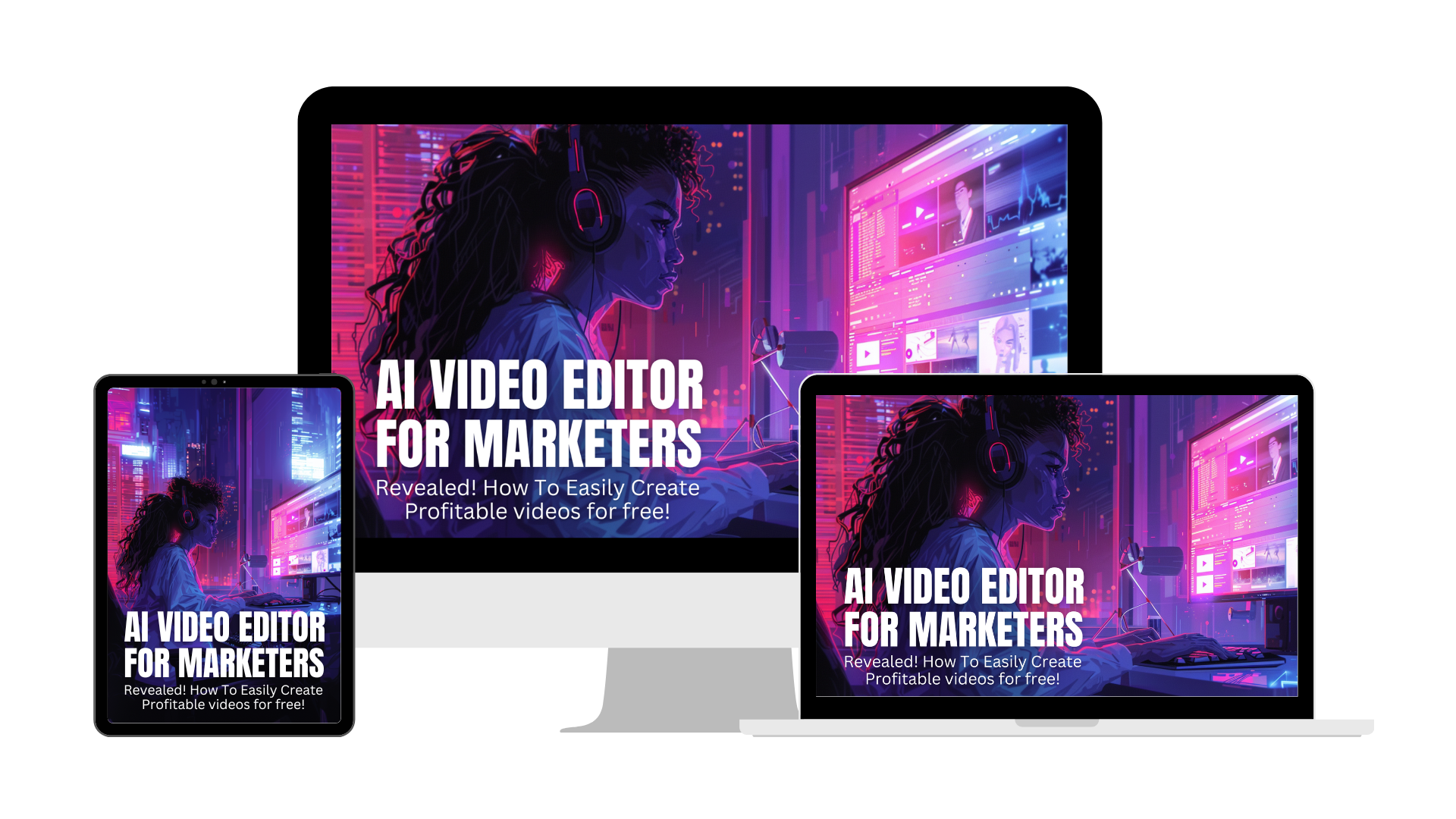
Looking to create AI Videos, Faceless Videos for all your Social Media Channels, check this out. You may already own this solution if you are a Microsoft 365 Customer. This Training will get you up to speed fast!
Have an Audience now earn money running ads, check this great tool out.

Tools
Here are a few tools which may be helpful to you.
- Image Resizer | Easily Resize Images Online for FREE This tool can be used to resize images you want to post on your social media networks. It is free.
- Color Picker From Image | HEX Color Picker | RGB Color Picker Do you want to know what colors are in an image? This Free tool tells you that.
- Freepik | Create great designs, faster Get Free Images from this site. Great AI images too.
- 5.1 million+ Stunning Free Images to Use Anywhere - Pixabay Get Free Images from this site.
- Free Stock Photos & Images - iStock Get Free Images from this site.
- Photopea | Online Photo Editor Free image editor.
For Posting Images, here are the correct image sizes.
Video Dimensions:
- Recommended Aspect Ratio: 9:16 (vertical)
- Resolution: 1080 x 1920 pixels
- Formats: MP4, MOV
Ad Thumbnails:
- Recommended Size: 1080 x 1920 pixels
- Aspect Ratio: 9:16
- Formats: JPG, PNG
Tips for TikTok Content:
- Keep Videos Full-Screen: Use the full vertical space for maximum engagement.
- Video Duration: TikTok supports videos up to 10 minutes, but short and snappy content (15-60 seconds) tends to perform best.
- File Size Limit: Up to 500 MB for videos, depending on device and account type.
If you have any sales questions, please reach out to us at tczylka@gmail.com
For technical support or bug reporting this is the email is bot.custservice@gmail.com
Privacy Policy, Terms of Service, Refund Policy
Disclaimer:
The logo's and any other related trademarks displayed on this website are the property of that social media company. This website is not endorsed by, affiliated with, or sponsored by these social media companies. The use of logos is solely for identification purposes and does not imply any association with any social media company. We are not affiliated with or endorsed by any social media platform.
Please note that this product does not provide any guarantee of income or success. The results achieved by the product owner or any other individuals mentioned are not indicative of future success or earnings. This website is not affiliated with FaceBook or any of its associated entities. Once you navigate away from FaceBook, the responsibility for the content and its usage lies solely with the user. All content on this website, including but not limited to text, images, and multimedia, is protected by copyright law and the Digital Millennium Copyright Act. Unauthorized copying, duplication, modification, or theft, whether intentional or unintentional, is strictly prohibited. Violators will be prosecuted to the fullest extent of the law. We want to clarify that JVZoo serves as the retailer for the products featured on this site. JVZoo® is a registered trademark of BBC Systems Inc., a Florida corporation located at 1809 E. Broadway Street, Suite 125, Oviedo, FL 32765, USA, and is used with permission. The role of JVZoo as a retailer does not constitute an endorsement, approval, or review of these products or any claims, statements, or opinions used in their promotion.